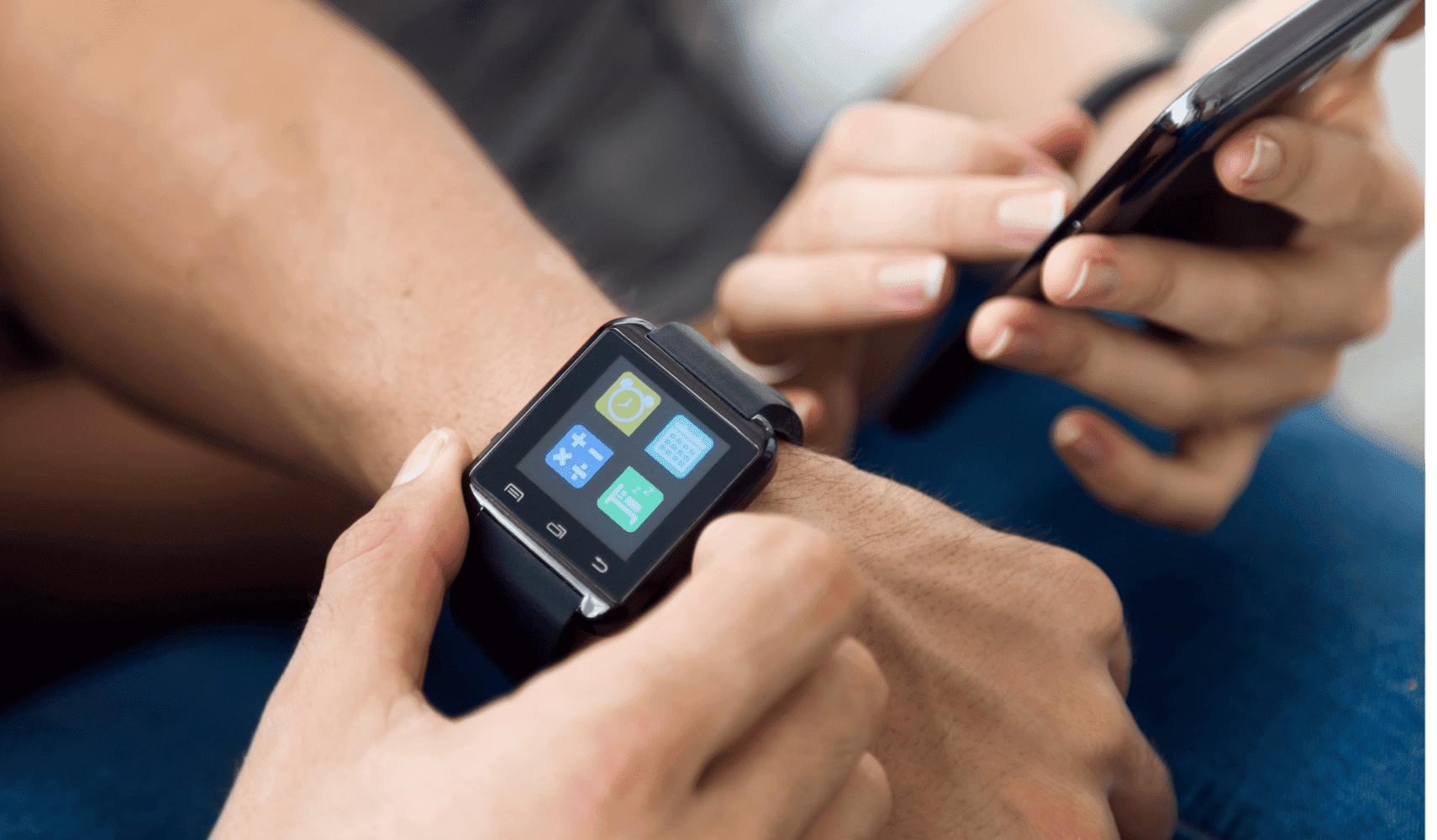
How to Set Up an eSIM on Your Smartphone
📲 How to Set Up an eSIM on Your Smartphone
By the saudi.esimdual.com Team
⸻
eSIM technology is convenient and simplifies mobile plan management. Whether you’re a first-time user or just curious, this step-by-step guide will help you set up your eSIM on any compatible smartphone.
⸻
🔍 What Is an eSIM?
An eSIM is a digital SIM card embedded in your device. There’s no need to insert anything — you simply download a profile to activate your mobile plan.
⸻
🛠️ Steps to Set Up an eSIM on Your Smartphone
⸻
1️⃣ Check if Your Phone Is Compatible
✅ Make sure your device supports eSIM (e.g., iPhone XR or newer, Google Pixel 3+, Samsung Galaxy S20+).
⚠️ Note: Some models sold in specific countries (like China) may not support eSIM.
⸻
2️⃣ Buy the Right eSIM for Your Needs
📱 Go to saudi.esimdual.com and choose a plan that fits your destination and usage.
🎫 You’ll receive a QR code or activation link by email.
⸻
3️⃣ Install the eSIM on Your Device
On iPhone:
• Go to Settings > Cellular > Add Cellular Plan
• Scan the QR code
• Follow the prompts to complete the setup
On Android (Samsung, Pixel, etc.):
• Go to Settings > Connections > SIM Manager > Add Mobile Plan
• Scan the QR code or enter the activation info manually
• Confirm and activate
⸻
4️⃣ Activate and Configure Your eSIM
📶 Make sure your eSIM line is enabled in mobile settings
🔄 Restart your phone if needed
🌍 Turn on data roaming if you’re traveling abroad
⸻
⚠️ Useful Tips
• 📶 If activation fails, check your Wi-Fi or mobile connection
• 🔁 To switch plans, delete the previous eSIM profile first
• 🛡️ Secure your phone with a password or biometric protection for added security
⸻
🎉 That’s It — You’re Ready to Go!
With saudi.esimdual.com, managing your eSIMs is easy, fast, and 100% digital.
⸻
💬 Need help? Our support team is available 24/7
📧 support@esimdual.com
⸻
🗣️ Share your eSIM experience using the hashtag #eSimDualExperience!
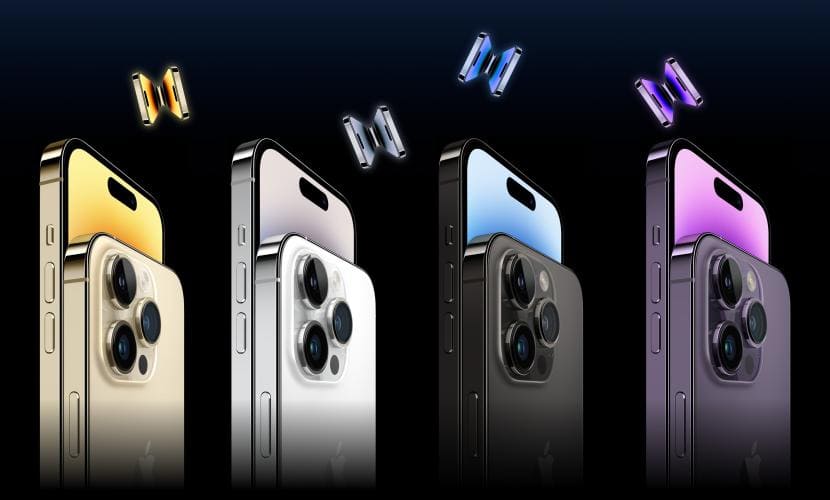
Liste des appareils compatibles eSIM
23 sept. 2025
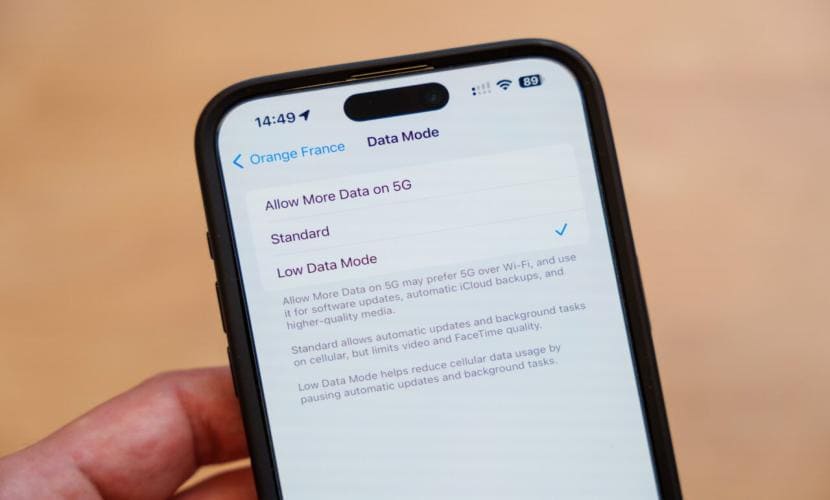

Résoudre les problèmes courants d’activation eSIM
07 juil. 2025